
One simple pathway—from concern to connection.
The kiosk, app and Nurse Navigator each have one clear job. Together, they help make the next step easier to understand.

Start with the OLH app
Download the app and create your private account. You must consent to share your screening information with the OLH Nurse Navigator before you can proceed with the questionnaire. Complete the questionnaire on your device. All your data is stored securely on a Canadian cloud-based server.

Visit an OLH kiosk
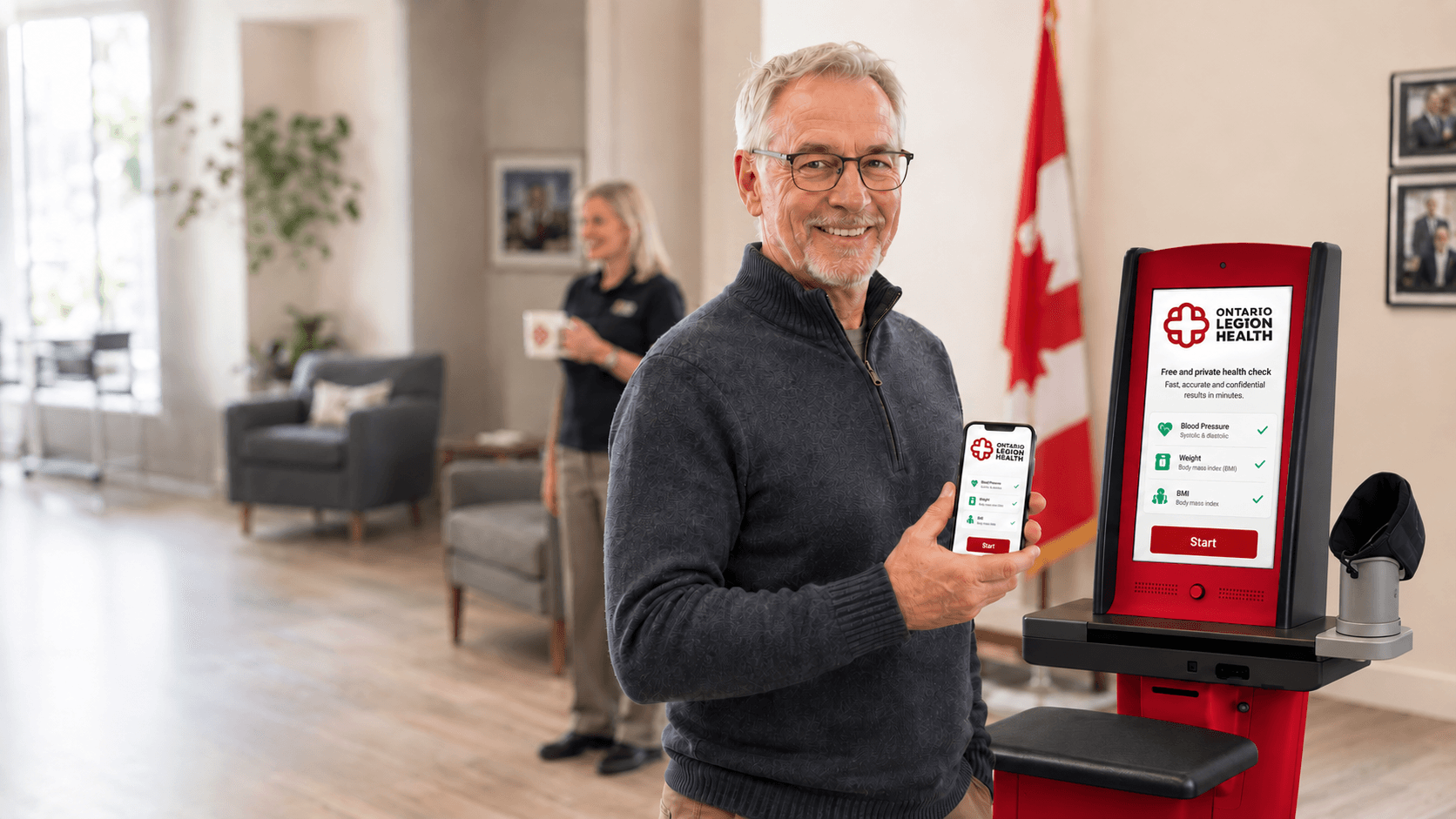
Go to a participating location – no appointment required. Pair your device to the kiosk and it will measure your blood pressure, weight, and BMI. The results will be automatically uploaded to your profile.

Sharing of your information
With your consent, your screening results will be sent securely to the OLH Nurse Navigator, who will review the information.
.png&w=3840&q=75)
A Nurse Navigator will call you
Once your screening data is submitted and reviewed, the Nurse Navigator will call you privately to share the results and their impressions. They might suggest follow up if risks are identified, answer your questions, or provide information to help you lead your best life!
Connection to support services
Where your results indicate that follow up care would be beneficial, the Nurse Navigator will work with you to identify the most appropriate provider and, where possible, with your consent, make a referral.
ImportantComplete the screening at the branch. Receive the Nurse Navigator call later—at home or wherever you feel comfortable.
What the technology does
Information might be organized with the support of AI before you receive your call. The Nurse Navigator reviews the source information, adds context and retains responsibility for the human conversation and, where appropriate, recommendations for next steps.
AI supports preparation and prioritization. It does not diagnose, prescribe treatment or replace the Nurse Navigator's judgment.
What happens next
Once your information is reviewed and you receive a call, the Nurse Navigator may:
- Simply explain what the screening information is saying and identify areas that require your attention;
- help you prepare questions for a healthcare provider;
- share appropriate education or self-management resources;
- help identify a suitable OLH service partner; or
- recommend a more immediate level of care when the information indicates urgency.
A screening result does not automatically create a referral. Every next step depends on consent, assessed need, service availability and partner eligibility.

OLH app coming soon for iOS and Android
Your health. Your information. Your next step.
Complete the screening questionnaire on the OLH app, pair with a participating kiosk, and stay connected to the OLH pathway.
App downloads will be available at launch.